
AWS VPC Networking Deep Dive — Subnets, Route Tables & Security Groups
Networking is where most AWS beginners get stuck. This guide demystifies the VPC — subnets, route tables, gateways, and security groups — so cloud networking finally clicks.
Rajesh Vardhan Busam
AWS Certified Solutions Architect
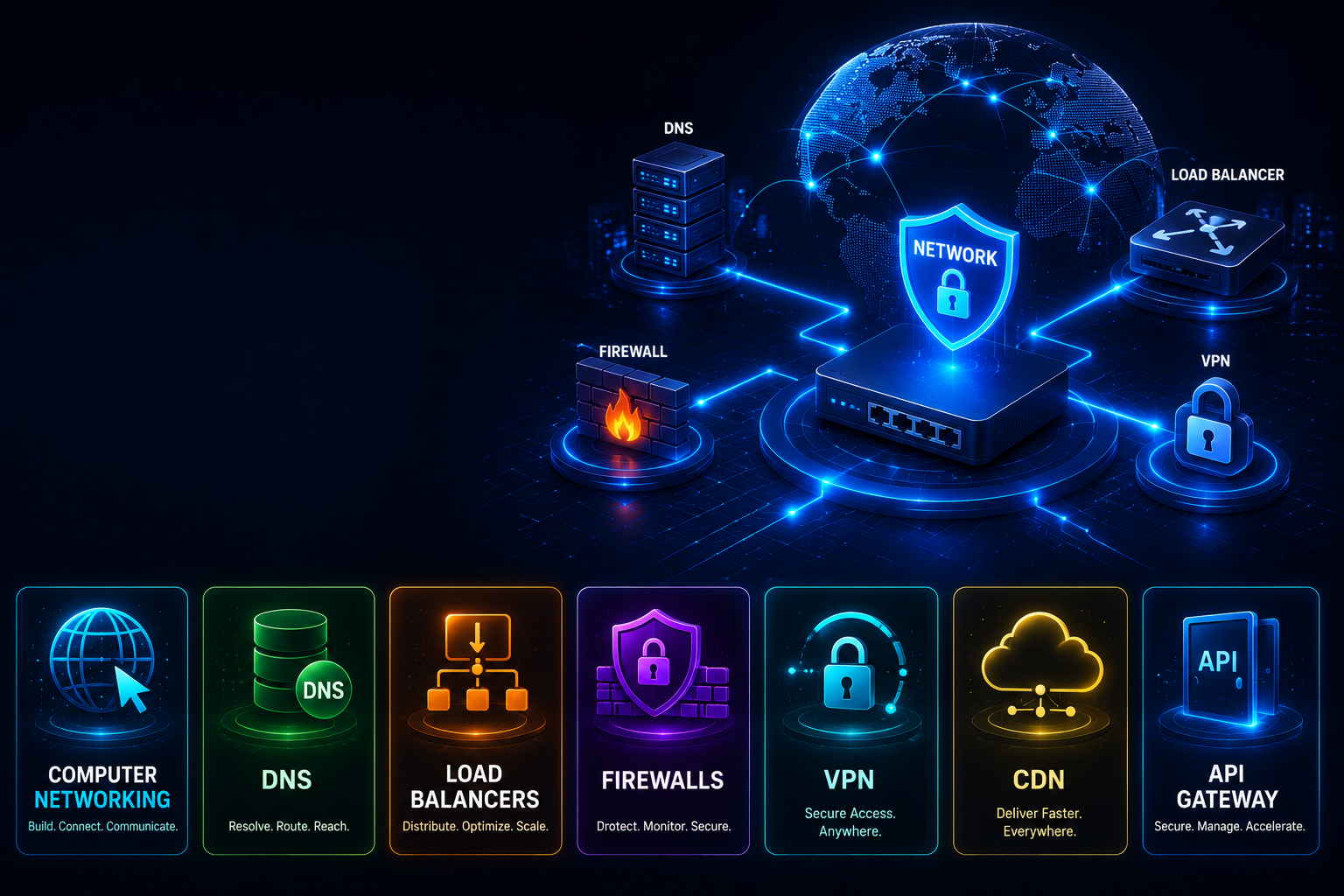
Ask any AWS beginner what confuses them most, and networking almost always comes up. The Virtual Private Cloud, or VPC, is the foundation of everything you build on AWS, and it is heavily weighted in both the Solutions Architect certification and real interviews. The good news is that once these pieces click, the rest of AWS becomes far less intimidating, because so much of it sits inside a VPC. This guide demystifies the VPC from first principles.
What Is a VPC?
A VPC is your own private, isolated network inside AWS. You define its address range using a block of IP addresses, and everything you launch — servers, databases, load balancers — lives inside it. Think of it as your own data centre network, but software-defined and created in seconds rather than months. Because it is isolated, resources in your VPC are not exposed to the internet or to other customers unless you deliberately choose to expose them. This isolation is the starting point for cloud security.
Subnets — Dividing the Network
Within a VPC you carve out smaller address ranges called subnets. Each subnet lives in a single availability zone, which is a physically separate data centre within a region. Spreading your subnets across multiple availability zones is how you build systems that survive the failure of an entire data centre — if one zone goes down, your resources in another keep running. Subnets are described as public or private, but that label is not a switch on the subnet itself; it is a consequence of routing, which we come to next.
Route Tables — The Traffic Rules
A route table is a set of rules that decides where network traffic goes, and every subnet is associated with one. This is the single most important concept in AWS networking. A public subnet is public precisely because its route table sends internet-bound traffic to an internet gateway. A private subnet is private because its route table has no such route to the internet. Understanding that the public-or-private nature of a subnet comes entirely from its routing is the biggest unlock for beginners.
Gateways — Doors to the Outside
- An internet gateway attaches to your VPC and allows resources in public subnets to communicate with the internet in both directions — receiving incoming connections and making outgoing ones.
- A NAT gateway lets resources in private subnets make outbound connections to the internet — to download updates or call an external API, for example — while preventing the internet from initiating connections to them. This is how you keep application servers and databases private yet still able to reach what they need. Traffic goes out through the NAT gateway, but nothing can come in unsolicited.
Security Groups vs Network ACLs
These two are constantly confused, so here is the clear distinction. A security group acts like a firewall attached to an individual resource such as a server or database. It is stateful, which means that if you allow traffic in, the response is automatically allowed back out without a separate rule. Security groups only contain allow rules — you cannot write a deny rule; anything not explicitly allowed is blocked.
A network ACL, by contrast, acts at the boundary of a subnet. It is stateless, so you must explicitly allow traffic in both directions, and it supports both allow and deny rules. In practice you configure most of your access control with security groups, which are easier to reason about, and use network ACLs for broad subnet-level rules such as blocking a known-bad address range. Together they provide defence in depth — two independent layers of control.
A Typical Secure Architecture
A well-designed VPC usually looks like this. Public subnets hold only internet-facing components, typically a load balancer. Private subnets hold the application servers and, in the most protected private subnets, the databases. A user's request comes in over the internet gateway to the load balancer in a public subnet; the load balancer forwards it to application servers in private subnets; those servers reach the internet only outbound through a NAT gateway when they need to; and the database sits in the deepest private subnet, reachable only from the application tier and never from the internet. This layered design — public edge, private application tier, protected data tier, spread across availability zones — is exactly what the certification and interviewers expect you to be able to draw and explain.
Making It Concrete
Reading about networking only takes you so far. Build a VPC yourself with two public and two private subnets across two availability zones. Launch a web server in a public subnet and a database in a private one, attach an internet gateway and a NAT gateway, and configure the route tables and security groups. Then trace how a request flows from the internet to the database and back. That single hands-on exercise turns abstract diagrams into genuine understanding, and it is the kind of thing you can describe confidently in an interview.
Common Mistakes
- Placing databases in public subnets, exposing them to the internet.
- Confusing security groups (stateful, per-resource, allow-only) with network ACLs (stateless, per-subnet, allow and deny).
- Putting everything in a single availability zone, so one data-centre failure takes the whole system down.
- Forgetting that a private subnet needs a NAT gateway for outbound internet access.
Frequently Asked Questions
What makes a subnet public or private? Its route table. A public subnet routes internet-bound traffic to an internet gateway; a private one does not.
Do I always need a NAT gateway? Only if your private resources need to make outbound internet connections. If they do not, you can omit it and save cost.
Why use both security groups and network ACLs? For defence in depth — two independent layers, one at the resource and one at the subnet, so a mistake in one is caught by the other.
Networking is a heavily weighted topic in AWS certifications and interviews. Our AWS courses at Infinity Cloud Labs build these VPC architectures on real accounts, so you learn by doing rather than memorising diagrams — in both English and Telugu.
Tags