
Building Your First CI/CD Pipeline with GitHub Actions
A hands-on introduction to continuous integration and delivery using GitHub Actions — workflows, jobs, runners, secrets, and how to auto-deploy your app on every push.
Rajesh Vardhan Busam
DevOps Instructor, Infinity Cloud Labs
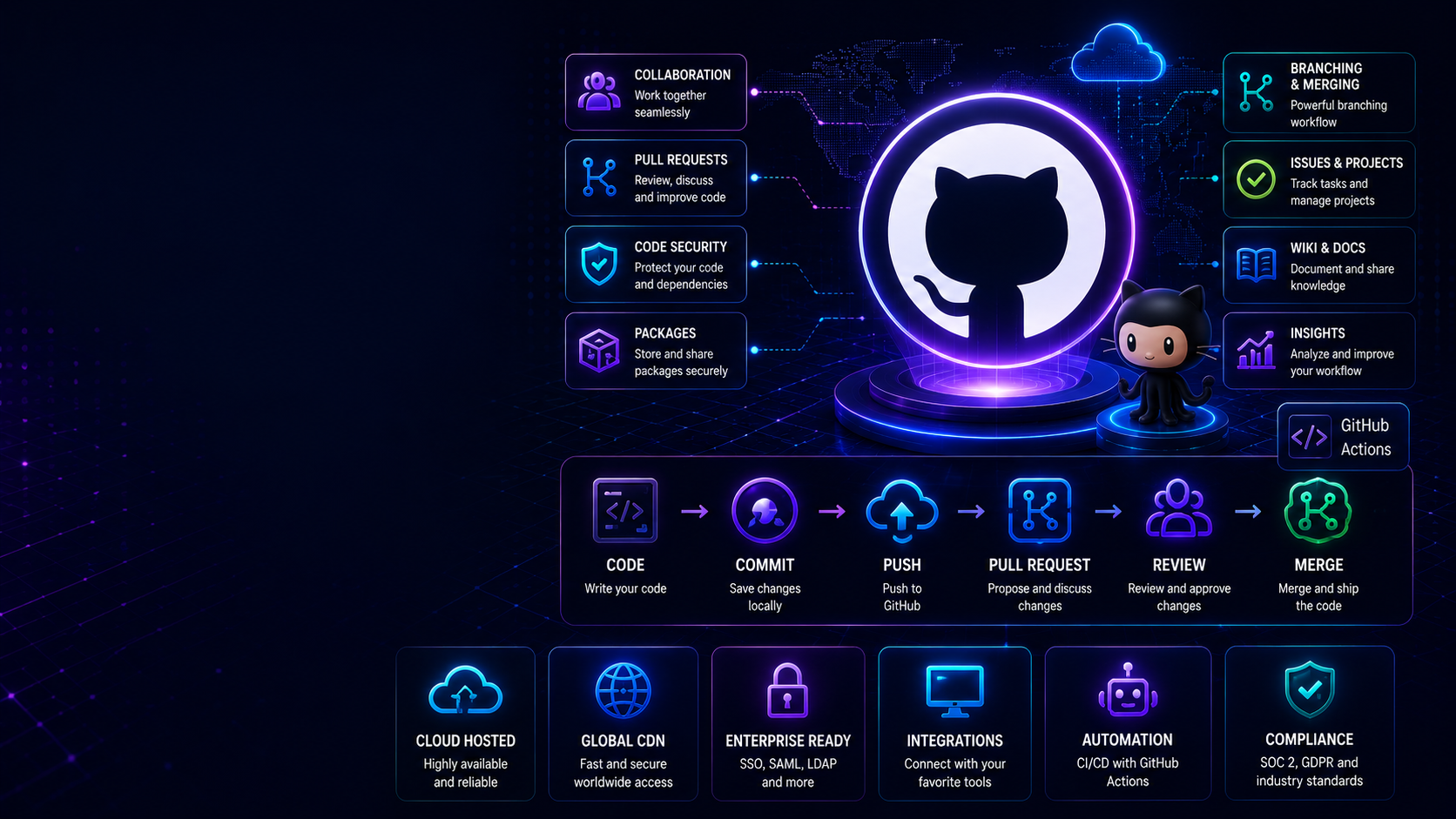
Manually testing and deploying code is slow, error-prone, and does not scale. Continuous Integration and Continuous Delivery, together known as CI/CD, automate the entire journey from a code push to a running deployment. GitHub Actions is the easiest way to learn this because it lives right inside the repository you already use, with no separate server to set up. This guide takes you from the core concepts to a real pipeline that tests and deploys an application automatically.
What CI/CD Actually Means
Continuous Integration means every code change is automatically built and tested, so bugs are caught within minutes of being written rather than days later during a manual review. Continuous Delivery means that once tests pass, the change is automatically packaged and made ready to deploy — and with Continuous Deployment, it deploys to production automatically. Together they let teams ship many times a day with confidence, because the pipeline guards quality at every step.
The Core Concepts of GitHub Actions
- Workflow — an automated process defined in a YAML file inside the .github/workflows directory. It runs when a chosen event happens.
- Event — the trigger, such as a push to the main branch, a pull request, a tag, or a schedule.
- Job — a group of steps that run together on one runner. Jobs run in parallel by default but can be chained with dependencies.
- Step — a single task: either a shell command or a reusable action from the marketplace.
- Runner — the machine that executes a job. GitHub provides hosted Linux, Windows, and macOS runners, or you can host your own.
Your First Pipeline — Test on Every Change
Start with continuous integration. This workflow runs on every push and pull request to main, installs dependencies, and runs the linter and tests. If anything fails, the pipeline goes red and blocks the pull request from merging:
name: CI
on:
  push:
    branches: [main]
  pull_request:
    branches: [main]
jobs:
  test:
    runs-on: ubuntu-latest
    steps:
      - uses: actions/checkout@v4
      - uses: actions/setup-node@v4
        with:
          node-version: 20
          cache: npm
      - run: npm ci
      - run: npm run lint
      - run: npm test
That alone dramatically improves code quality, because broken code can no longer reach the main branch.
Adding Deployment
Once tests pass on main, add a second job that depends on the first so it only runs after tests succeed. A realistic deployment job builds a container image, pushes it to a registry such as Amazon ECR, and then updates the running service. Because it is gated behind the test job, you never deploy broken code. Chaining jobs is done with the needs keyword, which enforces the order.
Handling Secrets Safely
Your pipeline needs credentials — cloud access keys, registry passwords, API tokens. Never hardcode these in the YAML. GitHub provides encrypted repository and environment secrets that are injected at runtime and automatically masked in logs. Reference them by name, scope them tightly, and rotate them regularly. For cloud access specifically, prefer short-lived credentials via OpenID Connect over long-lived static keys — it is more secure and increasingly the standard.
Speeding Up and Strengthening Pipelines
- Cache dependencies between runs so installs are near-instant.
- Use a matrix strategy to test across multiple language versions or operating systems at once.
- Require the pipeline to pass before a pull request can merge — this is a branch protection rule and it is what makes CI meaningful.
- Add security scanning — a dependency scan and a container image scan as pipeline steps catch vulnerabilities early.
- Use environments with approval gates for production, so a human confirms the final step.
Structuring Real-World Workflows
As pipelines grow, keep them readable. Split unrelated concerns into separate workflow files — one for CI, one for deployment, one for scheduled maintenance. Extract repeated logic into reusable composite actions or reusable workflows so you are not copying the same steps across projects. A tidy set of small, focused workflows is far easier to maintain than one giant file that does everything.
A Complete Mental Picture
Put it together and the flow is: a developer pushes code or opens a pull request, CI runs and tests it, the pull request cannot merge until CI is green, and once merged to main, the deployment job builds an image, scans it, pushes it, and rolls it out — with secrets injected securely and production changes optionally gated by an approval. Every step is automatic, auditable, and repeatable.
Common Mistakes
- Not requiring the pipeline to pass before merge, so CI becomes decorative.
- Hardcoding secrets in workflow files.
- Deploying without gating on tests.
- Giant, unreadable workflows that nobody maintains.
- Ignoring caching, so every run is needlessly slow.
Why This Skill Matters for Your Career
Almost every DevOps job description in India lists CI/CD experience. Being able to explain and build a pipeline in an interview immediately sets you apart, and GitHub Actions is a low-friction way to build that portfolio — every project you push can have a working pipeline that reviewers can see.
Frequently Asked Questions
GitHub Actions or Jenkins? Both are worth knowing. GitHub Actions is the fastest way to learn CI/CD and is great for projects already on GitHub; Jenkins is common in larger enterprises. The concepts transfer between them.
Is GitHub Actions free? Public repositories get generous free minutes, and private repositories include a monthly allowance — plenty for learning and small projects.
In our DevOps and CI/CD modules at Infinity Cloud Labs, you build real pipelines with both GitHub Actions and Jenkins, deploying to real AWS infrastructure you control — in both English and Telugu.
Tags