
Git Branching Strategies — Git Flow vs Trunk-Based Development
How your team branches determines how fast and safely it ships. A clear comparison of Git Flow, GitHub Flow, and trunk-based development — and how to choose the right one.
Rajesh Vardhan Busam
DevOps Instructor, Infinity Cloud Labs
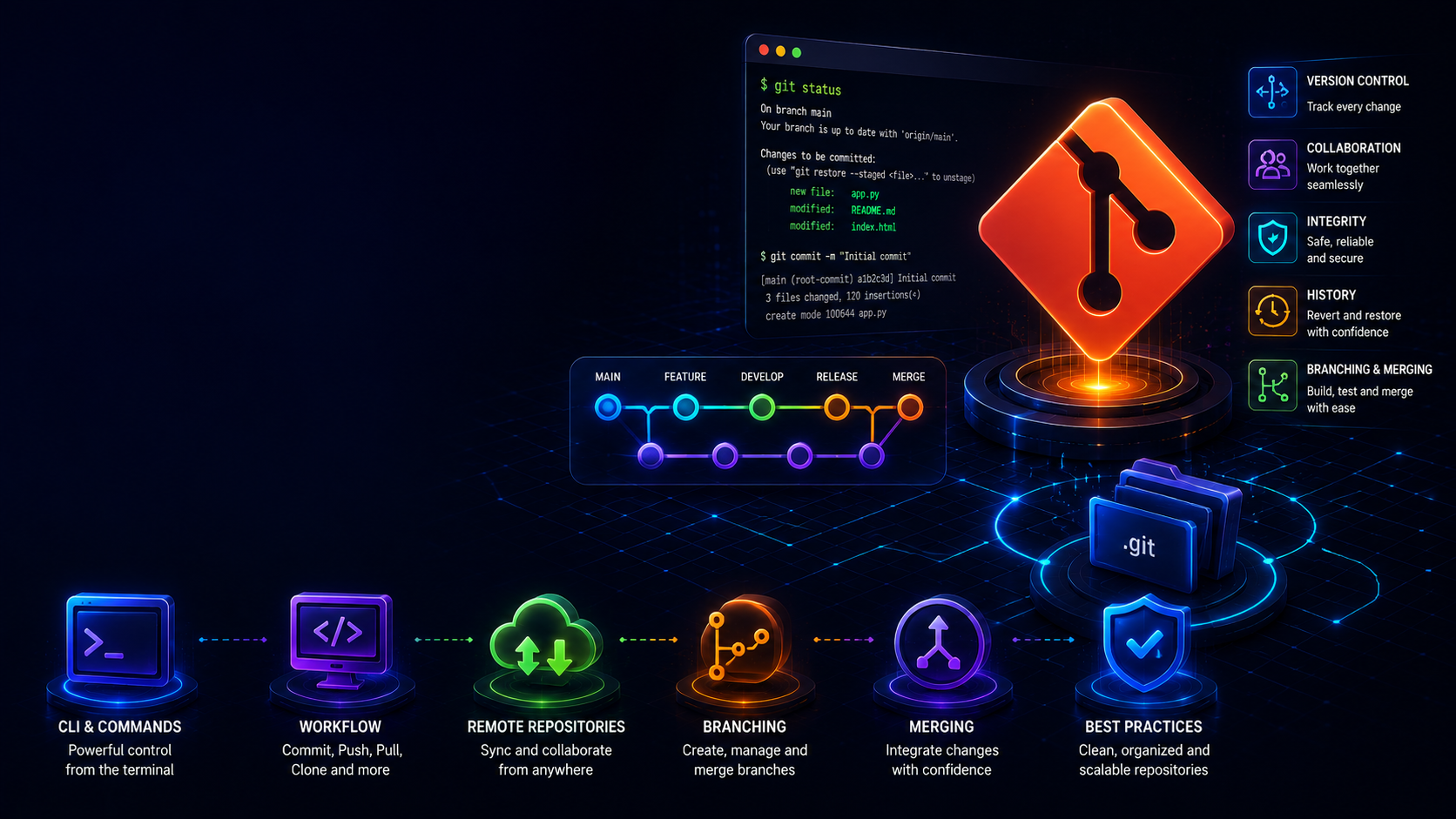
Git is not just about commits and pushes. How a team organises its branches — its branching strategy — directly affects how often it can release, how many merge conflicts it fights, and how stable production stays. Choosing the wrong strategy leads to painful merges, unclear releases, and slow delivery; choosing well makes shipping routine. This guide compares the three approaches you will meet in real jobs and helps you decide when to use each.
Why Branching Strategy Matters
A branching strategy is a shared agreement about where work happens, how it is reviewed, and how it reaches production. Without one, teams end up with long-lived branches that drift apart until merging them is a multi-day ordeal, unclear ownership of what is in production, and constant conflicts. With a good strategy, everyone knows where to branch from, how to get code reviewed, and how it ships — and releases stop being stressful events.
Git Flow — Structured and Release-Oriented
Git Flow uses several long-lived branches. The main branch holds production-ready code, a develop branch integrates the next release, and short-lived feature branches spin off develop for new work. When a release is ready, a release branch is created for final stabilisation, and hotfix branches allow urgent fixes straight off main.
This structure is predictable and suits software with scheduled releases — desktop applications, versioned APIs and libraries, or products with formal QA cycles. The downside is complexity and slower, batchier releases. For a web app that deploys several times a day, all those branches create overhead and friction. Git Flow trades speed for ceremony, which is right for some products and wrong for others.
GitHub Flow — Simple and Continuous
GitHub Flow is radically simpler. There is one long-lived branch, main, which is always deployable. Every change happens on a short-lived branch, is opened as a pull request, reviewed, tested by CI, and merged. Once merged, it deploys. There is no develop branch and no release branch.
This suits web applications and services that deploy continuously. Because branches are short-lived, merge conflicts are rare and everyone stays close to production reality. It is the sweet spot for the majority of modern teams, combining simplicity with strong safety through pull requests and CI. If you are unsure what to use, GitHub Flow is usually the right default.
Trunk-Based Development — Maximum Velocity
Trunk-based development takes simplicity further. Developers integrate small changes into the main branch — the trunk — many times a day, using branches that live only a few hours if at all. Incomplete features are hidden behind feature flags rather than kept on separate long-lived branches, so the trunk always builds and can always be released.
This is the strategy behind the highest-performing engineering teams and the research on elite software delivery. It demands strong automated testing and a solid CI pipeline, because there is no long stabilisation phase — quality must be continuous. The payoff is very fast, low-risk delivery and almost no merge pain, because branches never live long enough to diverge. It is powerful but requires discipline and good tests.
How to Choose
- Shipping a versioned product with scheduled releases and formal QA? Git Flow gives you the structure you need.
- Building a web app or API that deploys regularly? GitHub Flow is the practical sweet spot.
- A mature team with excellent automated tests chasing elite delivery speed? Trunk-based development.
Most teams and most learners should start with GitHub Flow. It is simple enough to adopt immediately and safe enough for real work.
Merge vs Rebase — A Common Interview Topic
Whatever strategy you use, you will need to integrate changes, and interviewers love asking about merge versus rebase. Merging creates a merge commit that ties two histories together, preserving the exact history. Rebasing replays your commits on top of the latest main, producing a clean, linear history but rewriting your branch's commits. The practical rule: rebase your own local feature branch to keep it current and tidy, but never rebase shared branches that others are based on, because rewriting shared history causes chaos.
Practical Habits That Help Any Strategy
- Keep branches short-lived — the longer a branch lives, the harder the eventual merge.
- Write small, focused pull requests that are easy and fast to review.
- Pull from main frequently so your branch does not drift into conflict.
- Protect the main branch: require review and a passing CI pipeline before any merge.
- Write clear, descriptive commit messages — your future self and teammates will thank you.
- Delete branches after merging to keep the repository clean.
Common Mistakes
- Letting feature branches live for weeks, guaranteeing painful merges.
- Committing directly to main without review or CI.
- Rebasing a shared branch and breaking everyone based on it.
- Huge pull requests that reviewers cannot meaningfully check.
Frequently Asked Questions
Which strategy do most companies use? Many web and product teams use GitHub Flow or trunk-based development; enterprises with formal release cycles often use Git Flow. Knowing the trade-offs matters more than the labels.
Do I need feature flags for trunk-based development? Effectively yes — they are how you keep incomplete work on the trunk without exposing it to users.
In interviews, being able to explain why you would pick one strategy over another shows real engineering maturity. At Infinity Cloud Labs, our version control module teaches these workflows through team-style collaboration on real repositories — in both English and Telugu.
Tags