
Kubernetes Explained for Beginners — Pods, Deployments & Services (2025 Guide)
A clear, jargon-free introduction to Kubernetes core concepts — pods, deployments, services, namespaces, and Helm — with practical examples for absolute beginners.
Rajesh Vardhan Busam
Kubernetes Specialist & DevOps Engineer
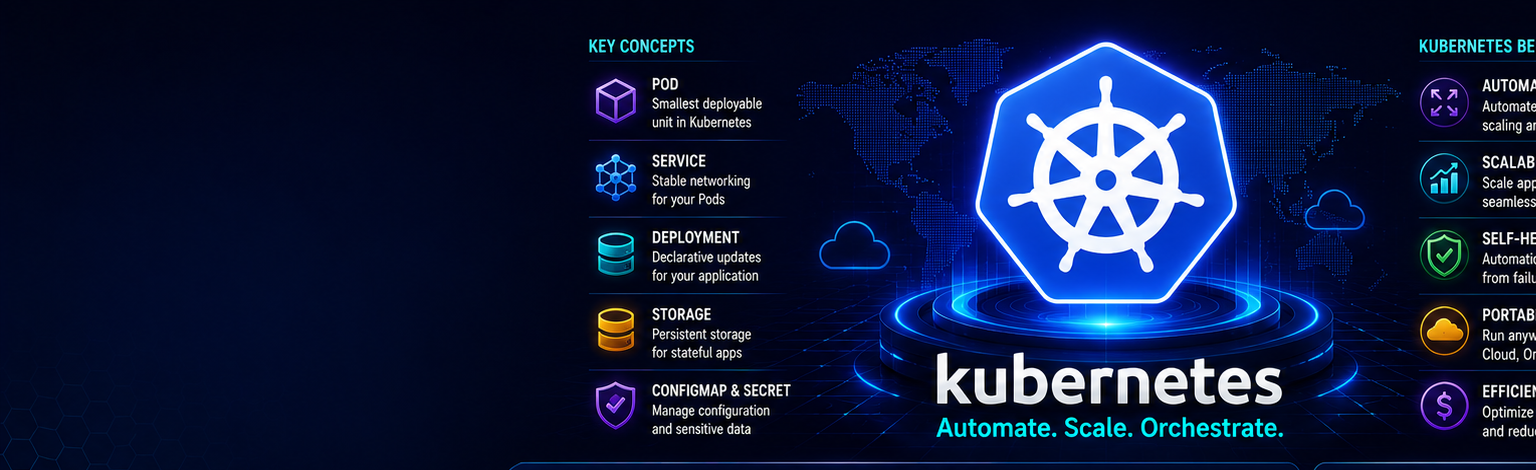
Kubernetes has a reputation for being intimidating, and the sea of unfamiliar terms — pods, deployments, services, ingress, controllers — does not help. But underneath the jargon, Kubernetes solves a very human problem: how do you run many containers, across many machines, reliably, without manually babysitting them? Once you understand the problem it solves, the pieces click into place. This guide explains the core concepts from first principles.
Why Kubernetes Exists
Docker lets you package an application into a container and run it on one machine. That is great until you need to run dozens of containers across many servers, restart them when they crash, scale them up under load, roll out new versions without downtime, and route traffic to healthy instances. Doing all of this by hand is impossible at scale. Kubernetes automates it. You declare the desired state — for example, run five copies of this app — and Kubernetes continuously works to make reality match, healing failures automatically. This declarative, self-healing model is the heart of everything.
The Cluster: Control Plane and Nodes
A Kubernetes cluster has two kinds of machines. The control plane is the brain: it holds the desired state, makes scheduling decisions, and reconciles reality against your declarations. The worker nodes are the muscle: they actually run your containers. As a beginner you rarely manage the control plane yourself — managed services like Amazon EKS run it for you — but understanding the split helps everything else make sense.
Pods — The Smallest Unit
A pod is the smallest thing Kubernetes runs. It wraps one container (occasionally a few tightly-coupled ones) plus shared networking and storage. Crucially, pods are ephemeral — they are created and destroyed freely. You almost never create pods directly, because if a pod dies, nothing brings it back. Instead you use a higher-level object that manages pods for you.
Deployments — Managing Pods Properly
A deployment is how you actually run applications. You tell it: run this container image, keep three replicas alive, and here is how to update them. The deployment creates and supervises the pods. If a pod crashes or a node dies, the deployment notices the gap between desired and actual state and creates a replacement. When you want to release a new version, you update the image, and the deployment performs a rolling update — gradually replacing old pods with new ones so there is no downtime. If something goes wrong, you roll back to the previous version with a single command. A minimal deployment looks like this:
apiVersion: apps/v1
kind: Deployment
metadata:
  name: web
spec:
  replicas: 3
  selector:
    matchLabels:
      app: web
  template:
    metadata:
      labels:
        app: web
    spec:
      containers:
        - name: web
          image: myregistry/web:1.2.0
          ports:
            - containerPort: 3000
Services — Stable Networking
Because pods come and go and each gets a new IP address, you cannot rely on pod IPs to talk to your application. A service solves this by providing a single, stable address and load-balancing traffic across all the healthy pods that match its selector. Your other applications talk to the service name, and Kubernetes handles the constantly-changing pods behind it. There are different service types: ClusterIP for internal-only access, NodePort for basic external access, and LoadBalancer for a cloud load balancer.
Ingress — Routing from the Outside World
A service can expose your app, but managing many external load balancers is wasteful. An ingress sits at the edge of the cluster and routes external HTTP and HTTPS traffic to the right service based on the hostname or URL path, and it handles TLS certificates. One ingress can route traffic for many applications, which is far more efficient.
ConfigMaps and Secrets — Configuration
You should never bake configuration or passwords into your container image. ConfigMaps hold non-sensitive configuration such as feature flags and endpoints, while Secrets hold sensitive values such as database passwords and API keys. Both are injected into pods as environment variables or files at runtime, so the same image can run in dev, staging, and production with different settings.
The Mental Model That Makes It Click
Everything in Kubernetes follows one pattern: you declare a desired state, and a controller continuously reconciles reality towards it. You do not tell Kubernetes how to do things step by step; you tell it what you want, and it figures out the how and keeps it that way. Once this reconciliation loop clicks, the whole system stops feeling like magic.
Common Beginner Mistakes
- Creating bare pods instead of deployments, then wondering why nothing restarts.
- Hardcoding configuration and secrets into images.
- Forgetting to set resource requests and limits, leading to unstable clusters.
- Trying to learn Kubernetes before being comfortable with Docker — always learn containers first.
How to Practise
Start with a local cluster using Minikube or kind, or a small managed cluster. Deploy a simple web app, expose it with a service, scale it up and down, kill a pod and watch it heal, then perform a rolling update and a rollback. Doing these exercises with your own hands turns abstract concepts into intuition faster than any amount of reading.
Frequently Asked Questions
Do I need to know Docker first? Yes. Kubernetes runs the very images you build with Docker, so container fundamentals come first.
Is Kubernetes worth learning for jobs? Absolutely — it is one of the most requested and highest-paid DevOps skills in India.
Should I run my own control plane? Not while learning. Use a managed service like EKS so you can focus on workloads, not cluster maintenance.
Our Kubernetes course at Infinity Cloud Labs takes you from these fundamentals through Helm, GitOps, and production operations, all on real clusters — in both English and Telugu.
Tags